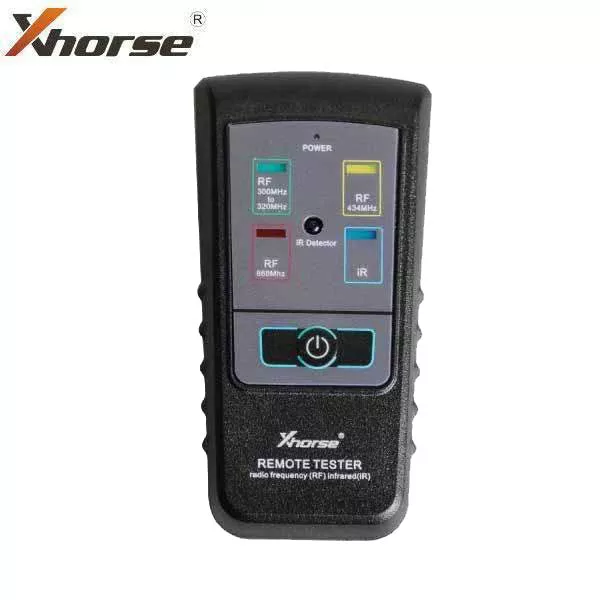
The Diagnostic Box TDB014 OBD Port Tester connects to a vehicle’s OBDII / EOBD connector and lets you easily diagnose electrical faults.Features:Instantly check power and ground circuitsIdentify communication link protocolsConstantly monitor battery voltage with displaySpecifications:Dimensions – 85mm (3.35″) x 45mm (1.77″) x 25mm (0.98″)Weight – 60g (0.13lbs.)Maximum Input Voltage – 18 VoltsMinimum Input Voltage – 6 VoltsContinuous Current Rating – 1 AmpTemperature Range – 32 to 122 Degrees F / 0 to 50 Degrees CLEDs ActivityRED LED’s(Pin 16) – automatically turn-on as soon as you plugg into DLC.RED LED’s turn dim when:• Low battery voltage – refer to Voltmeter and alarm will beep (below 12V)• Wiring to DLC pin 16 is faulty• Grounds circuits has resistance issuesGREEN LED’s(Pins 4 and 5) – automatically turn-on as soon as you plugged into DLC.BLUE LED’s(Pins 2, 6, 7 and 10) – LEDs should flash when serial data voltage pulses are present in the data line. Blue LEDs is assigned on pins 2, 6, 7 and 10 to indicate communication with scan tool or interface and for communication protocol identification. LED will turn-on depending on your vehicle model. For some vehicle models, none or multiple blue LEDs will turn-on as soon as the OBD Port Tester is connected and you start the ignition.The brightness of the LEDs will depend on the nature of the signal it’s showing. The OBD Port Tester can indentify immediately the protocol used.YELLOW LEDs(Pins 1, 3, 8, 9, 11, 12, and 13 should flash when used.
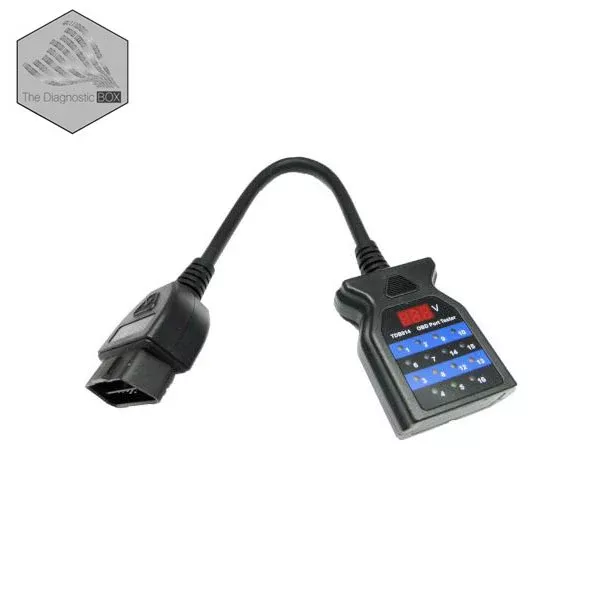
The Diagnostic Box – TDB014 OBD Port Tester
Original price was: $98.06.$71.12Current price is: $71.12.
Sale!Related products
Sale!
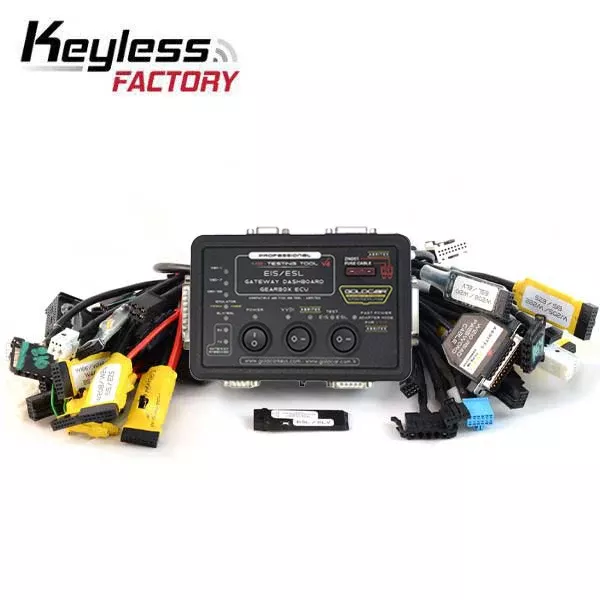
*Discontinued* Mercedes Benz EIS / ESL MB Testing Tool and Cable Bundle – Compatible with VVDI MB tool / Abrites (KeylessFactory)
Original price was: $450.00.$234.42Current price is: $234.42.
Sale!
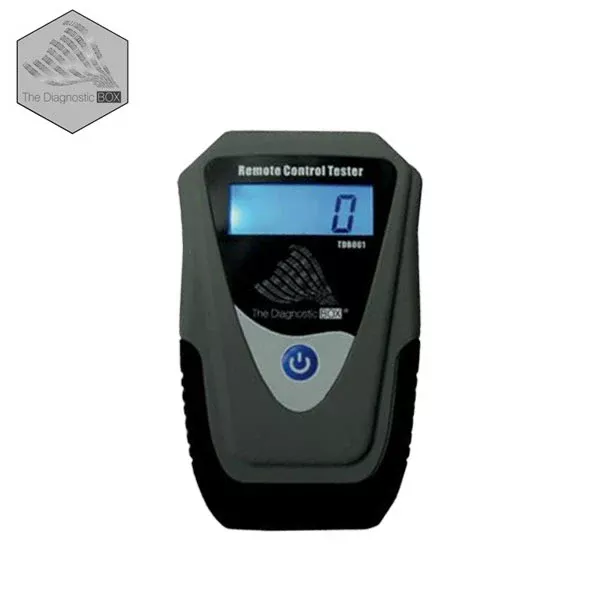
The Diagnostic Box – TDB001 – Remote Control IR / RF Tester
Original price was: $79.20.$51.95Current price is: $51.95.
Sale!
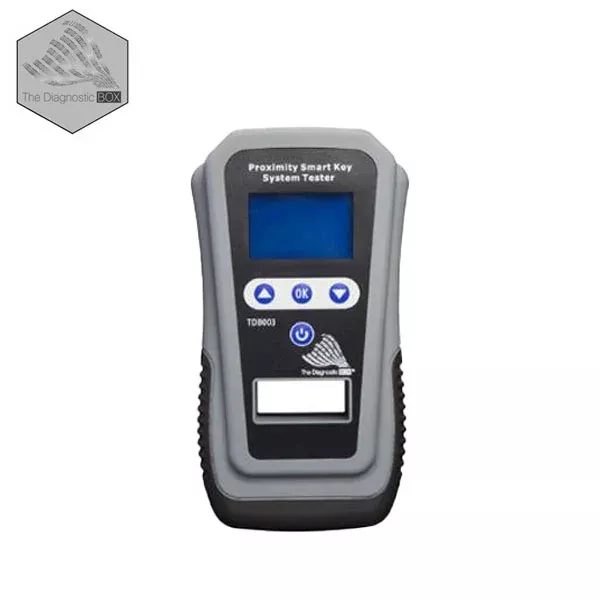
The Diagnostic Box – TDB003 – Proximity / Smart Key Tester
Original price was: $213.42.$116.12Current price is: $116.12.
Sale!
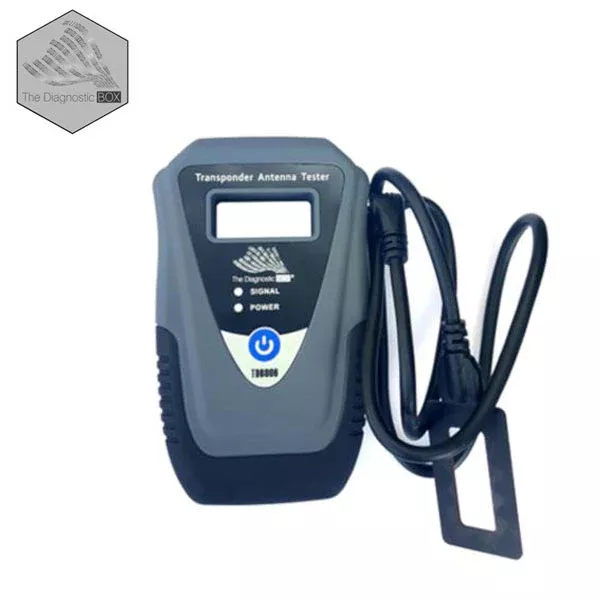
The Diagnostic Box – TDB006 – Transponder Antenna Tester
Original price was: $103.19.$63.48Current price is: $63.48.
Sale!