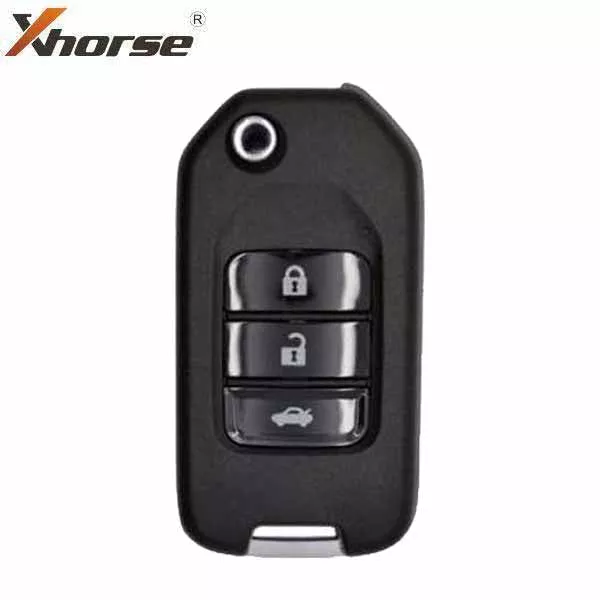
Brand NewModel: XKHY02ENManufacturer: XhorseCompatible w/ Programming Tool VVDI Key ToolRequired Battery CR2032Hyundai Style3-Button Remote: Lock, Unlock, TrunkOpen the remote and remove the batteryConnect the data cable to the white connector on the remote PCB board and plug it into the VVDI Key ToolUsing the VVDI Key Tool, select Product Remote and select the remote you would like to generateDisconnect the cable, reinsert the battery, and reassemble the remote. Install the proper chip and blade for your applicationProgram remote to the vehicle as you would an OEM remotePLEASE NOTE THAT THESE REMOTES DO NOT COME WITH BATTERIES INCLUDED. YOU WILL NEED TO HAVE THE CR2032 BATTERY READY TO INSTALL YOURSELF.
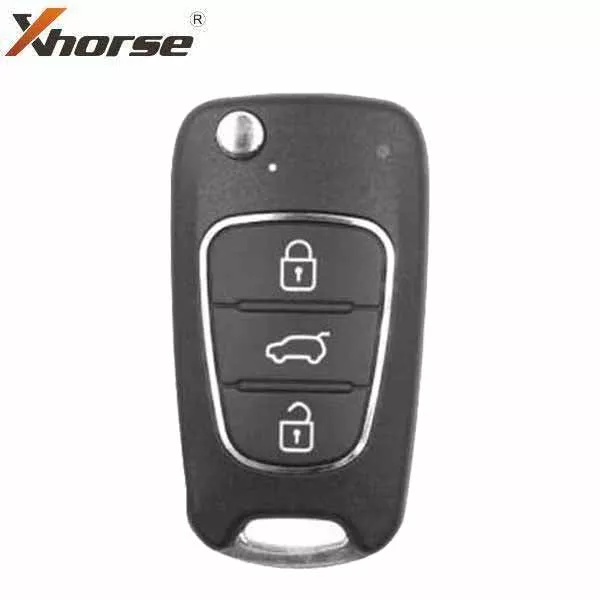
*Discontinued* Hyundai Style / 3-Button Universal Remote Flip Key for VVDI Key Tool (Wired)
Original price was: $7.76.$6.06Current price is: $6.06.
Sale!Related products
Sale!
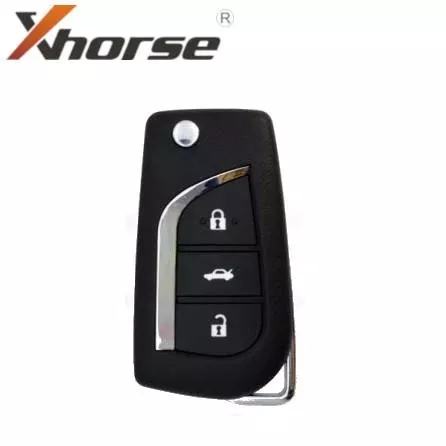
*Discontinued* Hyundai Style / 3-Button Universal Remote Key for VVDI Key Tool (Wired)
Original price was: $9.60.$7.41Current price is: $7.41.
Sale!
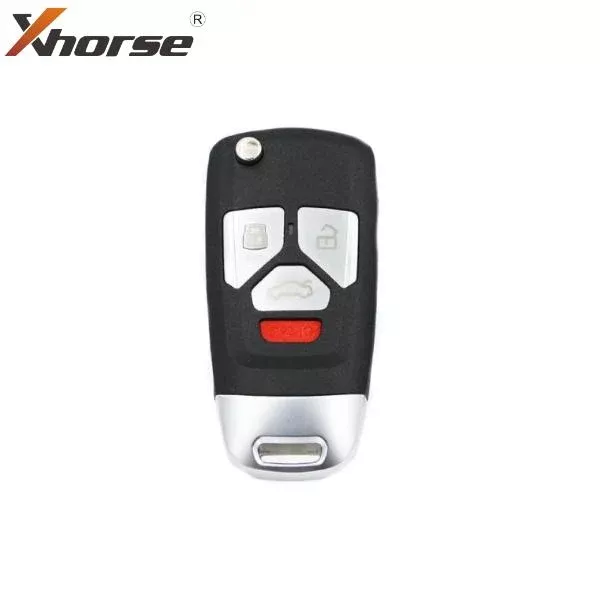
*Discontinued* Audi Style / 4-Button Universal Remote Flip Key / VVDI Key Tool (Wireless)
Original price was: $10.56.$7.35Current price is: $7.35.
Sale!
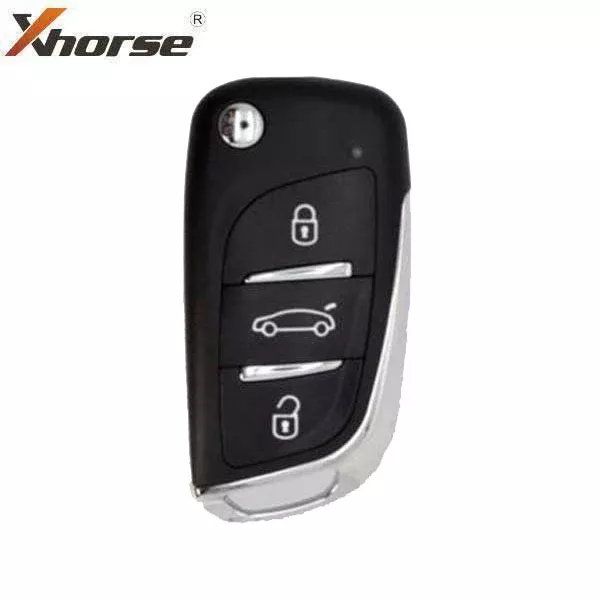
*Discontinued* Generic Style / 3-Button Universal Remote Key for VVDI Key Tool (Wired)
Original price was: $9.59.$7.49Current price is: $7.49.
Sale!
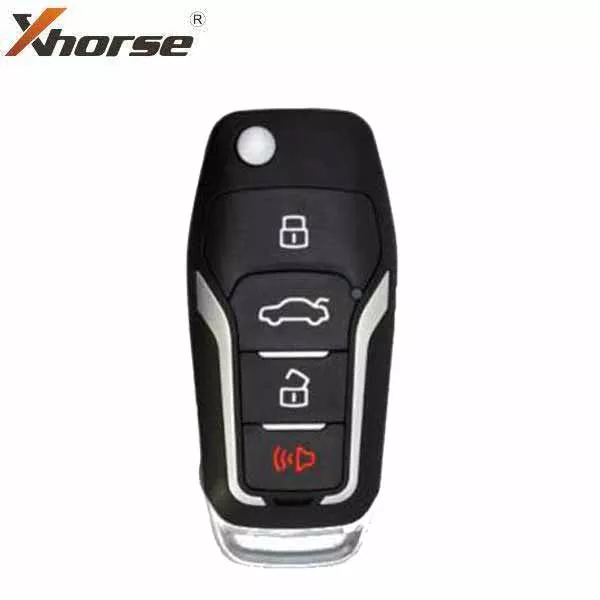
*Discontinued* Ford Style / 4-Button Universal Remote Key for VVDI Key Tool (Wired)
Original price was: $9.51.$6.59Current price is: $6.59.
Sale!
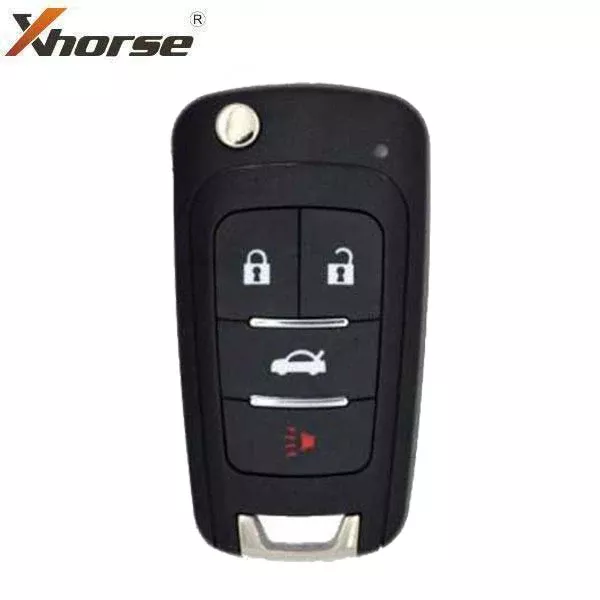
*Discontinued* GM Style / 4-Button Universal Remote Flip Key for VVDI Key Tool (Wireless)
Original price was: $10.56.$8.14Current price is: $8.14.
Sale!
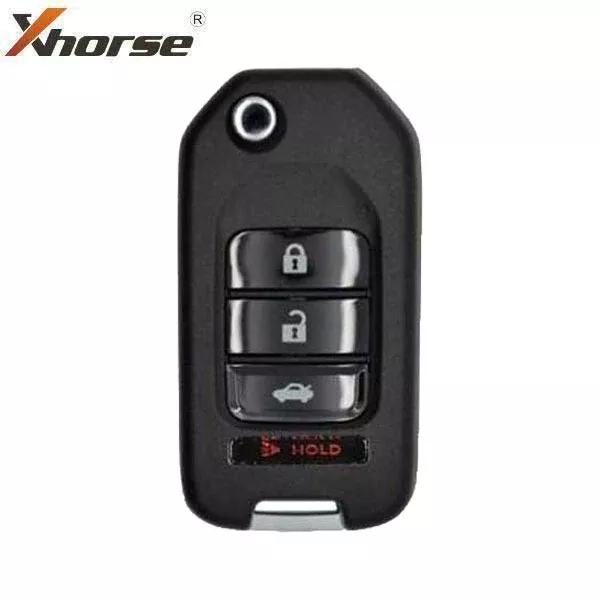
*Discontinued* Honda Style / 4-Button Universal Remote Key for VVDI Key Tool (Wired)
Original price was: $7.76.$4.77Current price is: $4.77.
Sale!
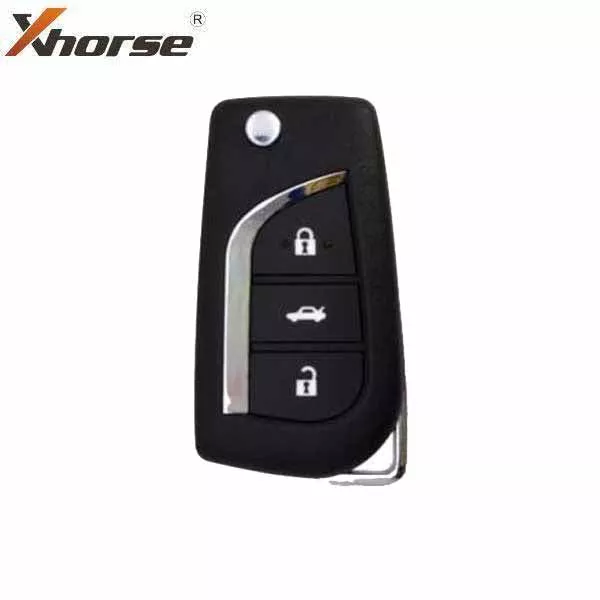
*Discontinued* Toyota Style / 3-Button Universal Remote Key for VVDI Key Tool (Wired)
Original price was: $7.78.$5.36Current price is: $5.36.
Sale!